FromPDFtoExcelTables Wins PDFTables
Compare FromPDFtoExcelTables vs PDFTables. Discover why our per-document pricing, OCR support, and free trial credits make PDF conversion easier and more affordable.
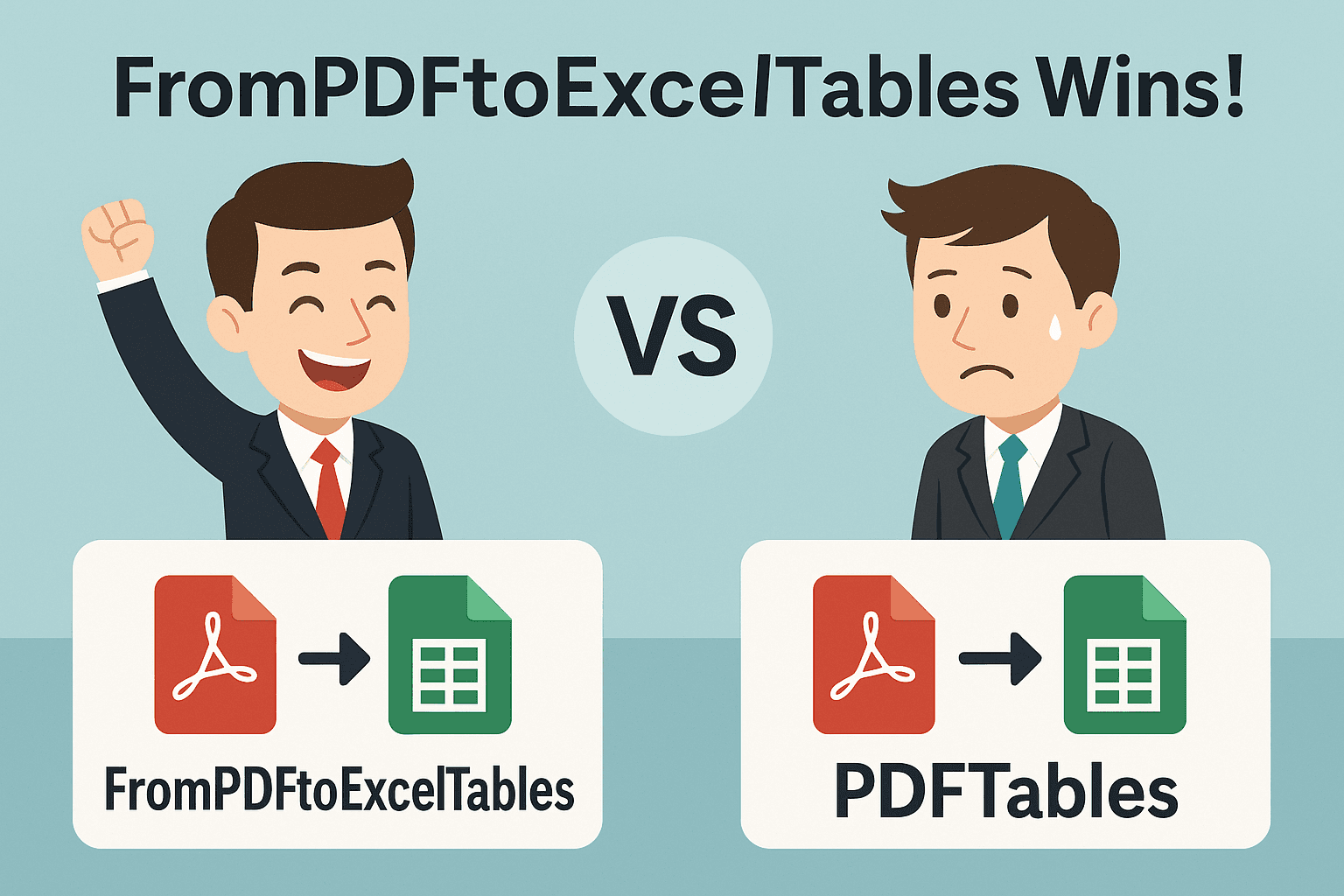
Convert PDFs to Excel Without Sweating… and Without Spending $50 to Test
Ever found a service that looks promising, clicked on it, and suddenly they demand you pay $50 USD without having tried anything? Yeah… that hurts. Well, this is not that service.
Here we're going to see how, compared to the well-known PDFTables, FromPDFtoExcelTables offers a lighter, more flexible, and—yes—slightly more fun option to use (because come on, enough of being bored with PDFs).
What Does PDFTables Offer?
- Pay-per-page model: For example, 1,000 "page credits" cost USD 50 (according to their pricing page).
- No OCR: They don't perform Optical Character Recognition for scanned or image-based documents. In their FAQ they explicitly state: "PDFTables doesn't perform Optical Character Recognition (OCR) to turn these images into text."
- Limited free trial: A recent change on their blog states that the trial plan no longer allows you to convert anything without having purchased credits.
So what does this mean in practice? If you have a scanned PDF (an image of a page, not "real" text), PDFTables might not work without you running OCR on your own first. Being required to pay per page when maybe your document only has a few pages and you want to "test" things out… well yes, sounds a bit awkward.
What Does FromPDFtoExcelTables Offer?
Here comes the fun part:
- Pay-per-document model, not per page: Upload a complete PDF (whether 1 page or many) and pay per "document." Simpler.
- Includes OCR: Yes, that means even PDFs that are image scans can be converted without you having to do the heavy lifting first.
- Free trial credits: So you can test before spending a lot of money ("yes, you can try it without having to shell out USD 50 to see if it works") — because paying without knowing if it will work is… let's say, embarrassing.
In summary: less risk, more flexibility, more "let's see if this works before we commit to spending."
The Comparison (With Professional Humor)
| Aspect | PDFTables | FromPDFtoExcelTables |
|---|---|---|
| Payment | Per page. If you upload a 100-page document, you count 100. | Per document. Upload your complete PDF, pay for it. |
| OCR | ❌ Not supported. If the PDF is an image, you'll have to run OCR yourself (and pay extra). | ✅ Included. Doesn't leave you hanging with scanned PDFs. |
| Free Trial | Very limited — they no longer offer "free pages" like before. | Trial credits included — you can see how it goes before spending much. |
| User-Friendliness | A bit rigid: "let's see how many pages you have, pay per each one." | Much more friendly: "upload your PDF, pay per document." |
| Risk to Customer | You could end up paying a lot (and maybe without optimal conversion if it's an image). | Lower risk, greater flexibility. |
Why Is Paying $50 Without Testing So "Embarrassing"?
Imagine: you're in front of your computer, facing an important PDF, looking for a quick solution… and suddenly: "Buy 1,000 pages for USD 50." You ask yourself: But how many pages do I have? What if they work well? What if it's a scan and not a "normal" PDF?
If it turns out the document is an image scan, without OCR you won't get anything decent… and you've already paid. That's what can be called an "oof, could have been better" moment — or said with humor: "yes, I'll pay it, but what if it turns out to be a dud?"
With FromPDFtoExcelTables we tell you: "Hey, try it first," because we believe your time, your money, and your peace of mind matter.
In Summary: Which Should You Choose?
If you're the type of user who:
- Has digitally generated PDFs (not image scans),
- Is sure of the number of pages and that everything is "clean,"
- Doesn't mind paying per page and assumes there won't be OCR…
Then PDFTables might work for you.
But if you want to:
- Convert scanned or image-based PDFs,
- Have more transparent pricing (per document),
- Have the option to try first without spending a lot of money,
- Avoid surprises…
Then FromPDFtoExcelTables is an option that makes a lot of sense. Because converting PDFs doesn't have to be a mess… and overpaying before testing shouldn't be either.